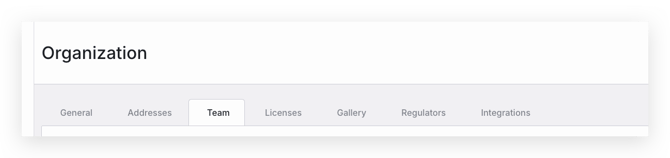
- The current owner of the account can change the ownership to another team member through Settings -> Organization -> Team
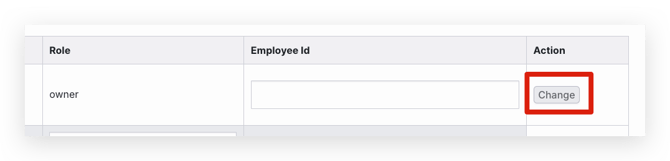
- Find the team member and select the Change button under Action
- Select the team member who should be the new owner of the account
- If the current owner is unavailable, the current admin can request to change by emailing support@confidentlims.com.
English
![64d9e16fc8e3963295162d90_logo.svg]](https://help.confidentlims.com/hubfs/64d9e16fc8e3963295162d90_logo.svg)