![64d9e16fc8e3963295162d90_logo.svg]](https://help.confidentlims.com/hubfs/64d9e16fc8e3963295162d90_logo.svg)
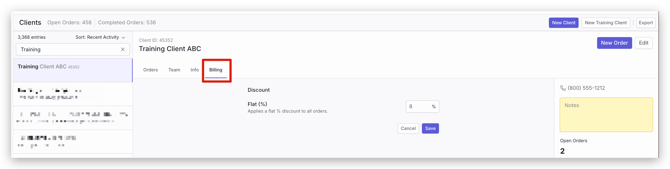
To set a Flat % Discount for a Client
- Go to Clients in the menu bar to the left
- Click on the row of the Client you want to view
- In the Client window on the right, select the Billing tab and Edit the flat % discount
- Select Save
Note: To add client-specific pricing for test packages, see the article How Do I Set Custom Pricing for Clients?
To add a price adjustment or discount to an order
- Prior to submitting an order on the Checkout page, click Price Adjustment
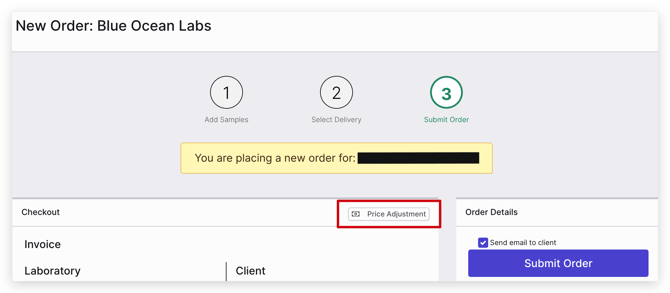
- In the Price Adjustment window, you can discount or increase order value by inputting "-" or "+" and a value. For example, if you enter "-200", the order will be discounted $200
Note: The change in value needs to be entered as a dollar value, not as a percent - Alternatively, this can be done for an already existing order on the Order screen under Invoice